
Guides

How to set up your S-handle as a creator — the practical guide

Spondula Team·5 min read·26 Apr 2026
You have a handle. Now what?

You have set up a Spondula wallet and picked your Shandle. The handle is short, clean, and ready to share. The next question is the practical one: what do you actually do with it? Where do you put it? How do you tell your audience? How do you ask for tips without sounding awkward, desperate, or "salesy" in a way that puts your community off?

This is the playbook the most successful small and medium creators are using. The setup is simple. The execution makes the difference between a handle in your bio that nobody notices and a handle in your bio that becomes a meaningful part of your income.

Step one: pick a handle that travels

Your Shandle is short, shareable, and permanent. Pick one that travels with you across platforms — ideally matching your existing username on the platforms where you already have a following. If you are @yournamemakes on Instagram and YouTube, your handle should be the same or as close as the network allows. Consistency makes it easier for supporters to recognise you and lower the friction of the first send.

Three rules for picking a handle that works:

  • Short. Easier to type, easier to remember, easier to read off a livestream. Aim for the shortest meaningful version of your name.
  • Memorable. Avoid numbers, underscores, or random characters that exist because someone else took the version you wanted on a different platform. The handle is yours alone on the Spondula network.
  • Branded. Match it to your existing creator identity if you have one. New creators starting from scratch should pick the handle they want to grow into, not the one that fits where they are today.

Where to put your handle, platform by platform

Each major platform has specific places where the handle works best. Use as many of them as apply to where you create. The handle is short — one line of text — so adding it everywhere takes minutes, not hours.

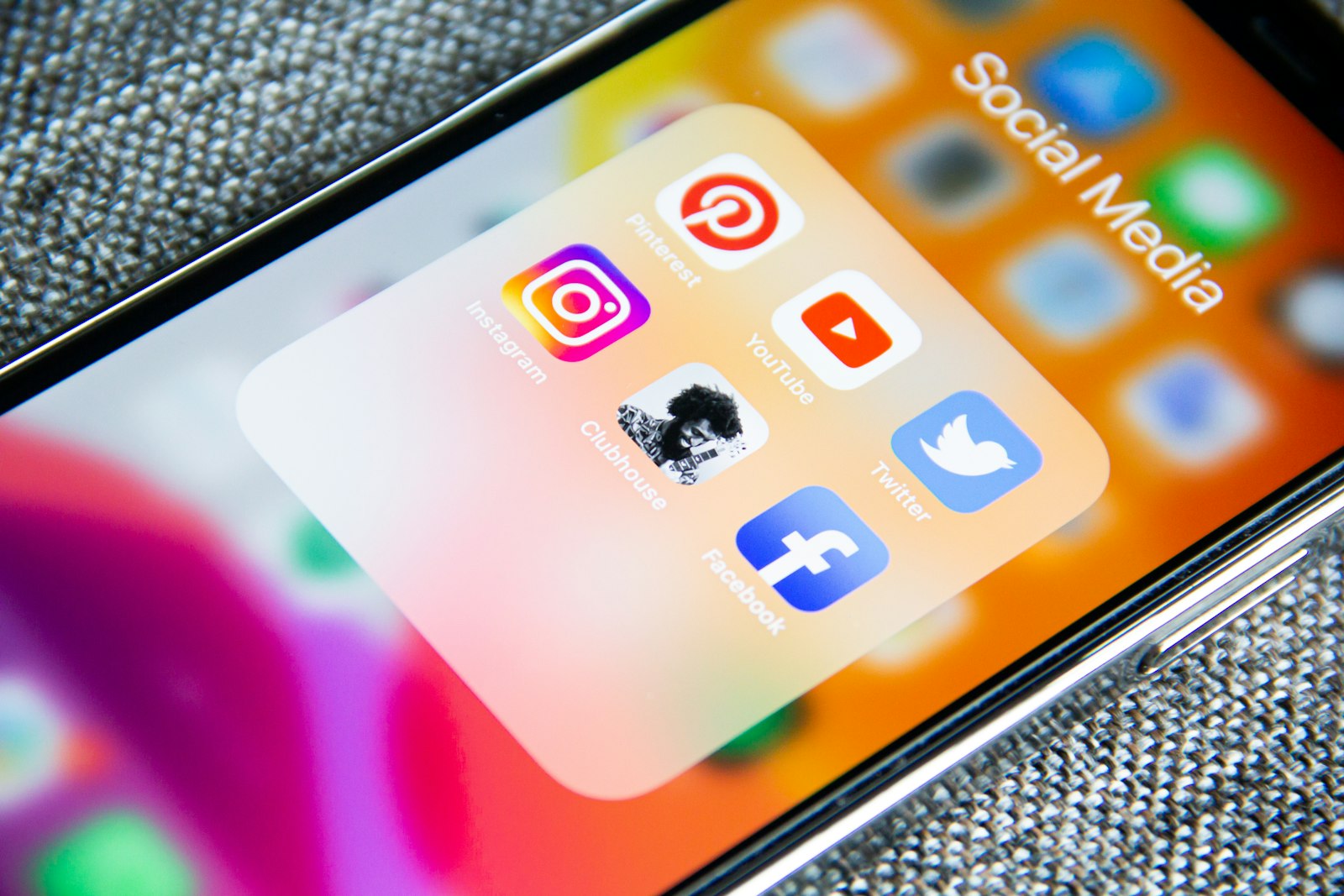
Instagram. Bio link is the priority — the one clickable link Instagram allows on a free account. If you already have a Linktree or Beacons page, add your Shandle as the first item with a clear "Send a tip" or "Support my work" label. Use the link sticker in stories — pin a "send a tip" sticker to your highlights so it stays accessible. Mention the handle in captions of your strongest posts (not every post — that gets tiring for the audience).

TikTok. Bio (clickable link). Pinned comment under your most-watched videos: "If this helped, my tip handle is X." Caption on standalone posts where the content stands alone (recipes, tutorials, how-tos). Voice mention at the end of long-form videos.

YouTube. Channel description (the About section). Video description — ideally the first or second line above the fold so it shows without expansion. Pinned comment under your most-viewed videos. End screens and end cards for longer videos. Community tab posts for channels with 500+ subscribers.

X (Twitter). Bio. Pinned post — a "Buy me a coffee" style post pinned to your profile with the handle prominent. Reply to your own threads when something gets traction: "If this thread was useful, my handle is X." Profile header image — a creative subset of creators put the handle on the header itself.

Twitch and livestream platforms. Display the QR code as a corner overlay during streams. Add a !tip chat command that posts the handle. Include it in your channel panels under the stream. Mention it once per stream — not constantly, but as part of the natural flow.

Substack and newsletters. Footer of every issue. Welcome email to new subscribers. The About page on the publication. A standalone "support my work" post pinned to the top of your archive.

Podcast show notes. First or second item in the description, before the timestamps. Voice mention at the end of episodes when something landed.

LinkedIn. Bio. Featured section. The "Services" section if you offer paid consultations.

Personal website or blog. Footer of every page. About page. A dedicated "Support" page accessible from the main navigation.

How to ask for tips without being awkward

The hardest part of having a tip surface is not setting it up. It is asking your audience to use it without changing the relationship between you and them in a way that puts the creator-supporter dynamic off-balance. Three principles that the creators doing this well share:

Make it visible, not constant. The handle is in the bio, in the show notes, in the description — visible if someone goes looking, easy to find if someone wants to send. It is not in every post, every video, every paragraph. Audiences forgive a tip surface they have to find. They do not forgive being asked every time.

Tie the ask to the value. When you do mention the handle, tie it to specific work that landed — "if this video helped you understand X, my handle is Y" — rather than a generic "support my work" call. Specificity makes the ask feel earned. Generic asks read as a perpetual fundraising drive.

Treat tips as appreciation, not income. The audience that sends $1, $5, $10 tips is not paying you. They are thanking you. Frame the receiving accordingly — a small "thank you" reply, a mention in your next post, a personal acknowledgement when scale allows. The dynamic of appreciation is different from the dynamic of customer-and-vendor.

The first $50, the first $100, the first $500

For a creator with 800 to 8,000 followers, the realistic trajectory of direct support looks like this:

Week one to month one — the first $20-$100. The most engaged supporters in your audience send small tips because they finally have a way to. The first $50 in tips usually comes from 5-15 individual supporters who would have sent something months earlier if there had been a path.

Month one to month three — building to a few hundred. As the handle becomes part of your standard publishing rhythm — in bios, in show notes, in pinned comments — the share of your audience aware of it grows. Tips start arriving alongside your strongest content drops. A creator with 5,000 active followers and a handle in every bio typically sees $200-$500 a month within three months of consistent placement.

Month three to month six — the recurring layer. Some of your most engaged supporters set up recurring small payments — $3, $5, $10 a month. This is the layer that resembles a Patreon subscription without the platform's percentage cut. A handful of recurring supporters can become a meaningful baseline before any one-off tips are added.

Month six and beyond — the compounding effect. The audience that knows about your handle continues to grow. Older supporters tell newer ones. The recurring layer adds new members. The handle becomes a normal part of how your community supports your work.

The handle does not change your audience overnight. It changes the path between your audience's existing appreciation and your wallet — and over months, that compounds into a meaningful baseline that no platform monetisation programme would have given you at the same audience size.

Spondula is pre-launch. If you have set up a wallet, picked your handle, and are deciding where to put it first — start with the bio of the platform where you already have your largest engaged audience, then add the next four over the following week. The setup is the easy part. The compounding is what makes the handle worth having.

Frequently asked questions

What's the most important place to put my S-handle first?

The bio of the platform where you have your largest engaged audience. If most of your engagement is on Instagram, start there. If it is on TikTok or YouTube, start there. The handle in the highest-traffic bio captures the most awareness fastest. Add the other platforms within the same week.

Should I mention my handle in every post or video?

No. Mention it in the bio always; mention it in posts and videos selectively, tied to specific value (a tutorial that helped, a video that resonated). Constant mention reads as fundraising; selective mention reads as gratitude infrastructure. Audiences respond differently to the two.

What do I say when I add the handle to my bio for the first time?

Most creators add a single short phrase: "Tips: [handle]" or "Support my work: [handle]" or simply the handle on its own line. The pinned post or first newsletter that introduces it can be longer — a sentence or two on what the handle is for and a thank-you to the audience that has supported you so far.

Can I use my S-handle for paid services and consultations, not just tips?

Yes. The handle is a payment endpoint — it works for tips, paid services, consultations, course payments, brand-deal payments, anything. Most creators use one handle across all these use cases rather than separating them.

How do I track tips that come in through my handle?

Tips arrive in your Spondula wallet with a transaction record. You can see who sent (where they have shared their handle in the transaction), the amount, and the timing. For more structured tracking — categorising by source, tagging by platform, integrating with accounting tools — most creators export wallet activity to a spreadsheet on a monthly basis or use the integrations the network supports.

What if a supporter wants to send a tip but does not have a Spondula wallet yet?

The supporter can create a wallet in minutes and then send to your handle. The first-time onboarding is a one-step process that unlocks sending to any creator with a handle from that point forward — so once your supporters set up their wallet, they can support you and any other creator they follow without setting anything else up.


Spondula is a global payments network. It is not a bank, exchange, investment platform, or broker. Availability, pricing, and Operator coverage vary by country. Bitcoin rewards depend on real network activity and are not guaranteed. See our terms and conditions for full details.

More in Guides